Skip to content

TagSalesforce reports

Report on Percentage of Records a Field is Populated

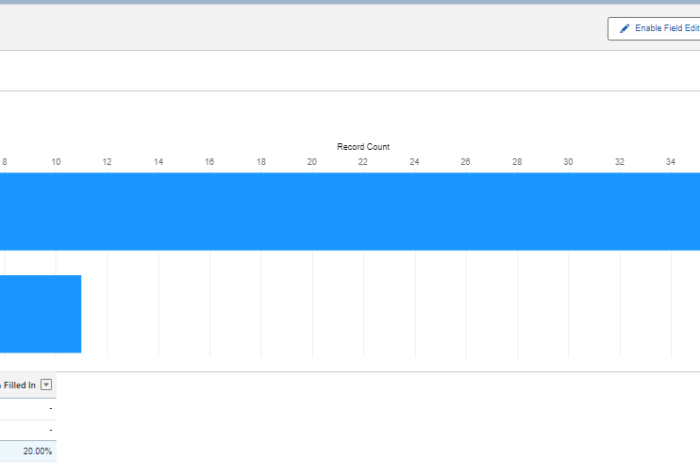
Understanding how consistently users populate key fields is one of the best indicators of data quality and adoption. Incomplete data can cripple dashboards, forecasts, and automation. Measuring the percentage of records with a value in a specific field gives admins and business leaders an actionable metric: how often users are doing what’s expected.
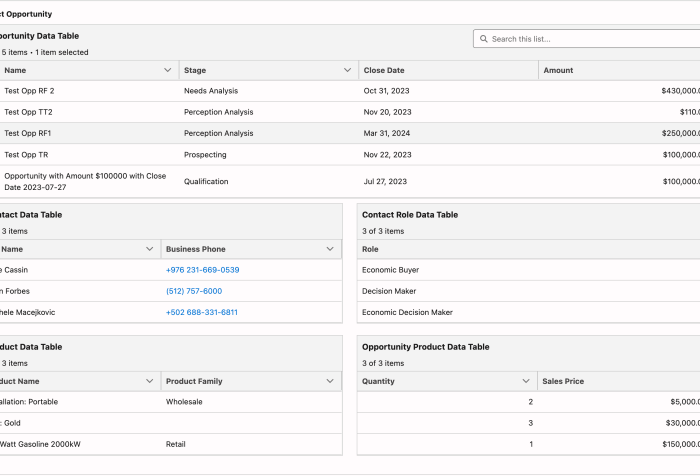
Flow Reporting with Reactive Related Data Tables

Can Salesforce Flows Support Reporting and Visualization?

Reporting is one of the strongest features of the Salesforce platform. With powerful standard tools like report builders and dashboards, you can analyze and visualize your data to make informed decisions. But even if you’re a reporting pro, you’ve probably hit limitations, especially when your data isn’t structured just right. That’s where Salesforce Flows come in.

Access Salesforce Reports and Dashboards in Slack with the CRM Analytics App

Salesforce CRM Analytics isn’t just for dashboards and lenses tucked away in Salesforce anymore. With the CRM Analytics for Slack app, users can bring powerful analytics insights right into their Slack workspace—where collaboration happens in real time.

We will explore how users can view, share, and act on standard Salesforce Reports and Dashboards(no paid CRM Analytics Licenses required) without leaving Slack. Whether you’re a sales manager monitoring pipeline health or a service leader tracking case resolution times, CRM Analytics in Slack makes it easier than ever to stay informed and responsive.

Unleashing Visual Insights: Uncover the Power of Embedded Charts in Salesforce

We all know that Reports and Dashboards are critical to businesses. However, far too often we end up with hundreds of Reports, most of which go unused, piling up in folders that no one even remembers where to access them. Wouldn’t it be better if we could take our most important analytics and put them in the forefront ? Good news, we can, by embedding them in the UI. I’ll demo several ways to bring these charts to the surface and place them where they are truly useful and actionable.

Report on Objects and Fields

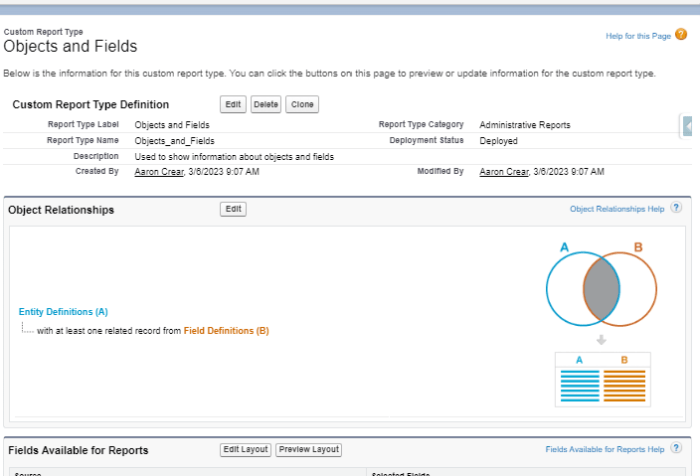
Monitoring and auditing object and field information can be a tedious Task. Going through Object Manager to an Object then clicking on Fields & Relationships and trying to scroll while waiting for the list to update takes a while (in cases where you can’t just search on field name). Wouldn’t it be great if we had a way to get information on our Objects and Fields quickly in one screen? Good news is, we can, with Reports.

Display Currency Values Based on the Running User of a Report

There is no “dynamic” option available in the report builder that allows a report to use the currency specified for the running user. Until this is supported natively, you can follow one of these methods in order to edit the metadata of your report so that it displays the currency of the running user. This makes it possible to manage a single set of reports in multi-currency enabled orgs.

Year-To-Date Year-Over-Year Filter Options in Salesforce Reports and Dashboards

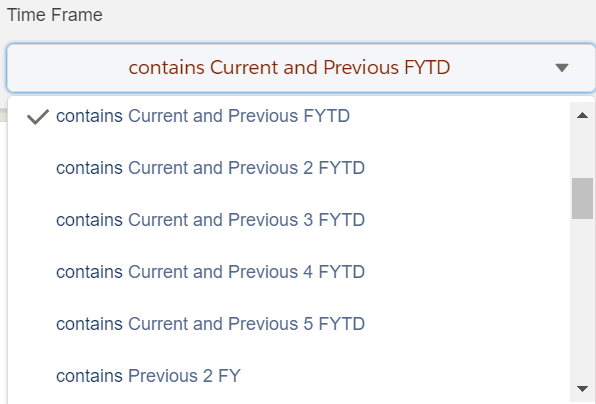
You can build a single dashboard along with the necessary source reports and allow the running user to choose their time frame with the ease and simplicity of selecting an option from a drop down menu. Up to 50 time frame options can be predefined using this method and you have complete control over the display values for those options. Easily compare the current year-to-date (or fiscal year-to-date) to the same time frame during the previous year. You can even show trends over multiple years.

Count the Number of Date Groups in a Report Dynamically

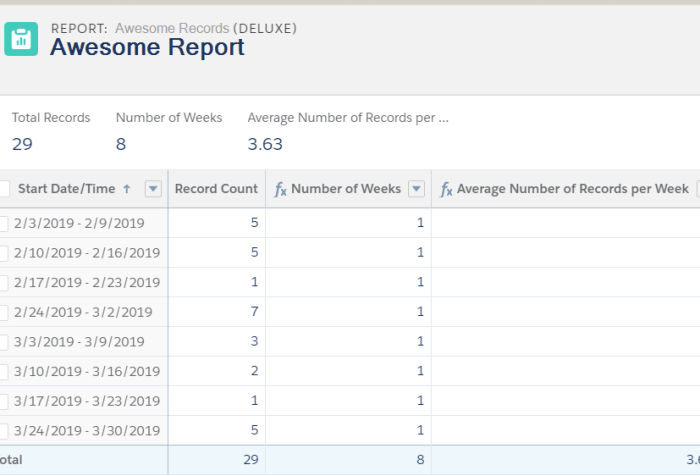
A report request comes in asking for a calculation showing the average number of records created in a week. The time frame for this report could be set to a few different values – like last year, last quarter, or over the course of the previous two years. Ideally, the calculation would be dynamic and count the number of weeks that are present in the report results so that these time frame adjustments can be made on the fly. Using a formula field on the object and a summary formula field within a report, you can dynamically count the number of date groups shown in the report results at run time. Let’s dive into the specifics on both pieces of this solution so you can implement it in your org for your use case.

Reporting on Activities

If you’ve ever tried to create reports on the activities that your users are meticulously entering, you may have run into some perplexing behavior. We have a handful of strategies you can utilize in order to bring some normalcy to the activity object in reports. You’ll even be able to create an “Activities (Deluxe)” report type by the end of this article.

Collaboration and Sharing with Reports and Dashboards

Reports and dashboards are an integral part of every Salesforce org and are key components to uncover business insights as well as to drive actionable decisions. The consumption of the data is an important piece of their usage. To make these analyses even more useful we can add layers of sharing and collaboration. This allows us to capture different perspectives, challenge the validity or derivation of the data and make it more accessible. Next we will look at several ways to do this.