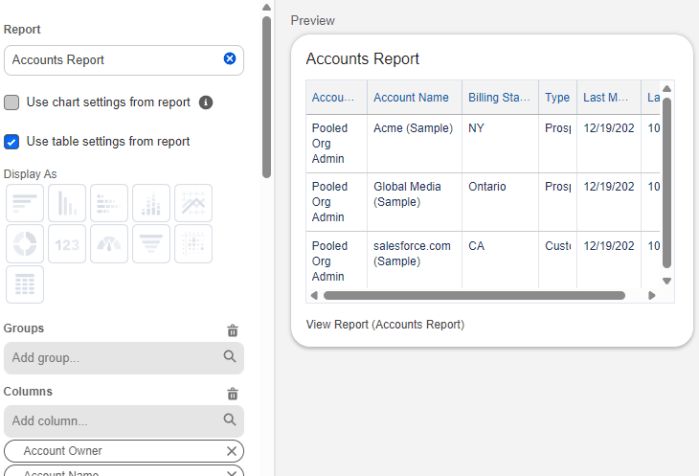
Spring ’26 Release Report and Dashboard Features 📊
With the upcoming Spring ’26 release we have a few new features for Reports and Dashboards. Let’s take a look at what we are getting.

Salesforce reports, dashboards, and analytics
With the upcoming Spring ’26 release we have a few new features for Reports and Dashboards. Let’s take a look at what we are getting.
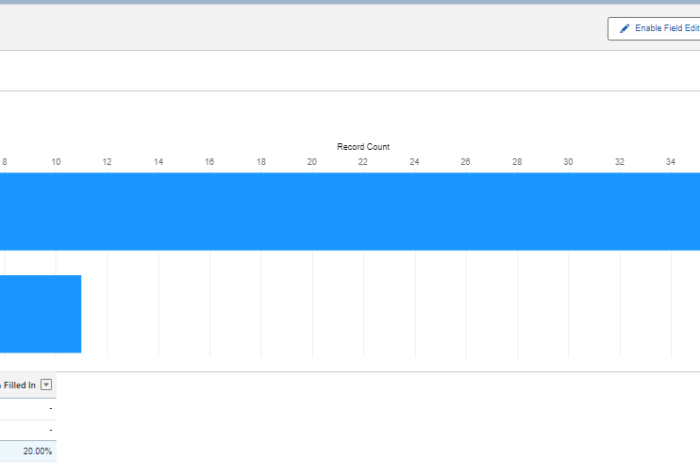
Understanding how consistently users populate key fields is one of the best indicators of data quality and adoption. Incomplete data can cripple dashboards, forecasts, and automation. Measuring the percentage of records with a value in a specific field gives admins and business leaders an actionable metric: how often users are doing what’s expected.

Salesforce CRM Analytics isn’t just for dashboards and lenses tucked away in Salesforce anymore. With the CRM Analytics for Slack app, users can bring powerful analytics insights right into their Slack workspace—where collaboration happens in real time.
We will explore how users can view, share, and act on standard Salesforce Reports and Dashboards(no paid CRM Analytics Licenses required) without leaving Slack. Whether you’re a sales manager monitoring pipeline health or a service leader tracking case resolution times, CRM Analytics in Slack makes it easier than ever to stay informed and responsive.

Report on Salesforce Account Hierarchy

Show a cumulative comparison of sales by year and month to see where we are compared to this time last year.

We all know that Reports and Dashboards are critical to businesses. However, far too often we end up with hundreds of Reports, most of which go unused, piling up in folders that no one even remembers where to access them. Wouldn’t it be better if we could take our most important analytics and put them in the forefront ? Good news, we can, by embedding them in the UI. I’ll demo several ways to bring these charts to the surface and place them where they are truly useful and actionable.
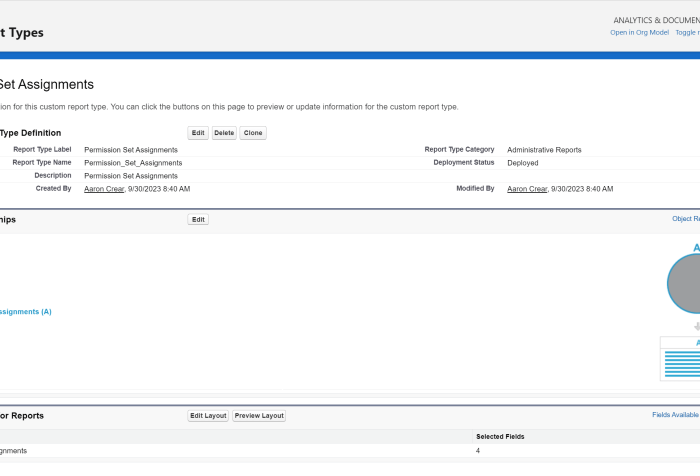
With the upcoming Winter ’24 release we are being given three new useful custom report types.
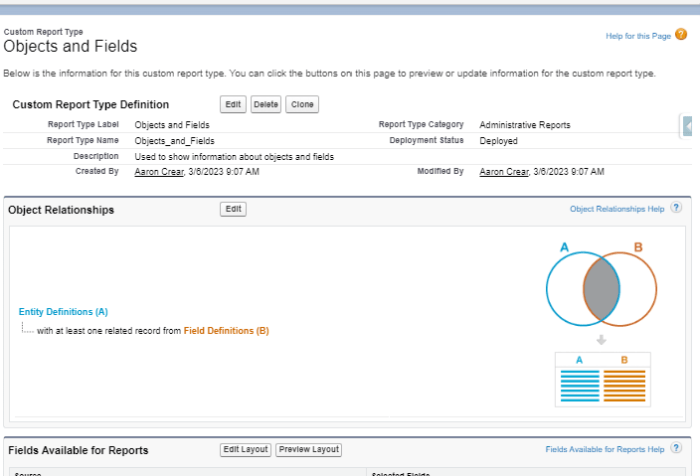
Monitoring and auditing object and field information can be a tedious Task. Going through Object Manager to an Object then clicking on Fields & Relationships and trying to scroll while waiting for the list to update takes a while (in cases where you can’t just search on field name). Wouldn’t it be great if we had a way to get information on our Objects and Fields quickly in one screen? Good news is, we can, with Reports.
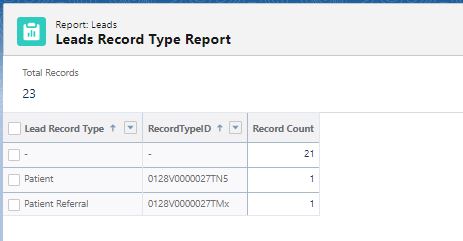
Use these two simple Salesforce reports to make your data loads faster.

Overcome polymorphic field limitations as cross object dashboard filters by owner. Learn how you can filter Opps and Leads by owner on a dashboard.
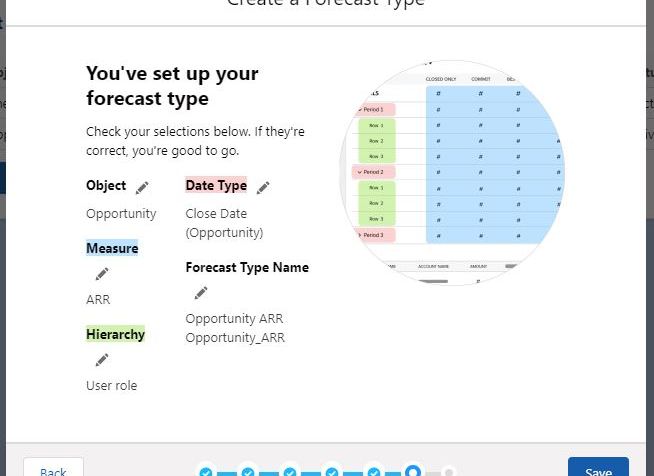
Accurate Forecasting is critical to all businesses. It allows for strategic planning, cash flow predictability and overall business guidance. One longstanding complaint has been the lack of flexibility to customize Forecasting. With the Summer ’21 release we now have the ability to create and report on Forecasts Types based on custom fields along with an improved experience to manage Forecast Types. Let’s take a look at the new capabilities.
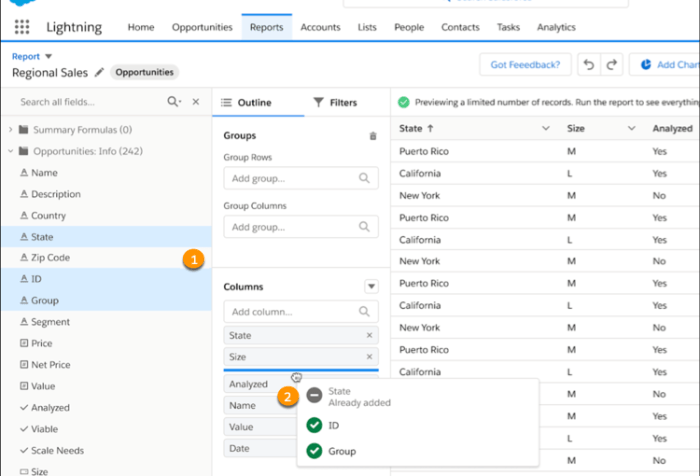
As with every Salesforce release there are new features rolled out across that platform. With Spring ’21 there are a some specific enhancements to Reports and Dashboards. Let’s take a look at what we have available to us.
Reports and dashboards are our analytics engines. They provide us the data and insights to make business decisions, measure performance and help steer the direction of the company. Over time … Continue Reading Manage Reports and Dashboards Through…Reports and Dashboards
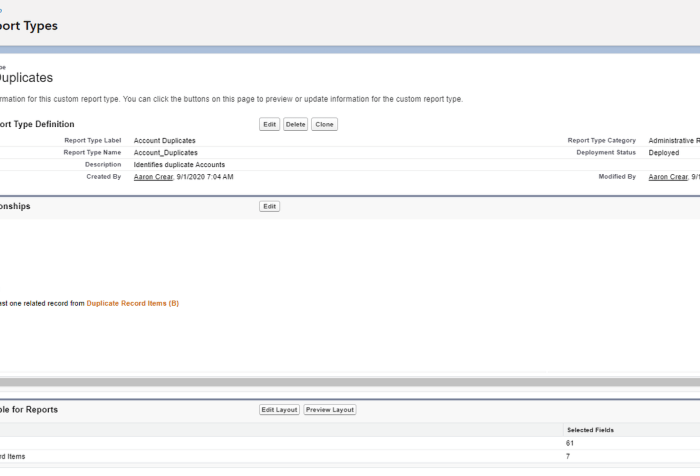
As admins we are responsible for maintaining the Salesforce Org and keeping it configured in an optimal manner. We are also tasked with dealing with sometimes less than enthusiastically diligent … Continue Reading Reporting on Duplicate Records

Filter Knowledge Reports by Category This feature has been long sought for Knowledge users. It allows you to filter reports based on Category. The UI positions the filter in a … Continue Reading Summer ’20 Release Features: Reports and Dashboards
Reports and dashboards are an integral part of every Salesforce org and are key components to uncover business insights as well as to drive actionable decisions. The consumption of the data is an important piece of their usage. To make these analyses even more useful we can add layers of sharing and collaboration. This allows us to capture different perspectives, challenge the validity or derivation of the data and make it more accessible. Next we will look at several ways to do this.
 ReportForce